


For Both Sensored & Non-Sensored Lights
Solar Light Installation Guide
Our handy visual guide to help you install your new solar light for your house sign. This manual assumes you are installing your sign onto an exterior brick wall. Contact us if you need help installing elsewhere.
Before You Start
Ensure you have the necessary tools to properly install your light with screw fixings provided. If you’re missing any, you can purchase them from us below (excluding the electric drill).
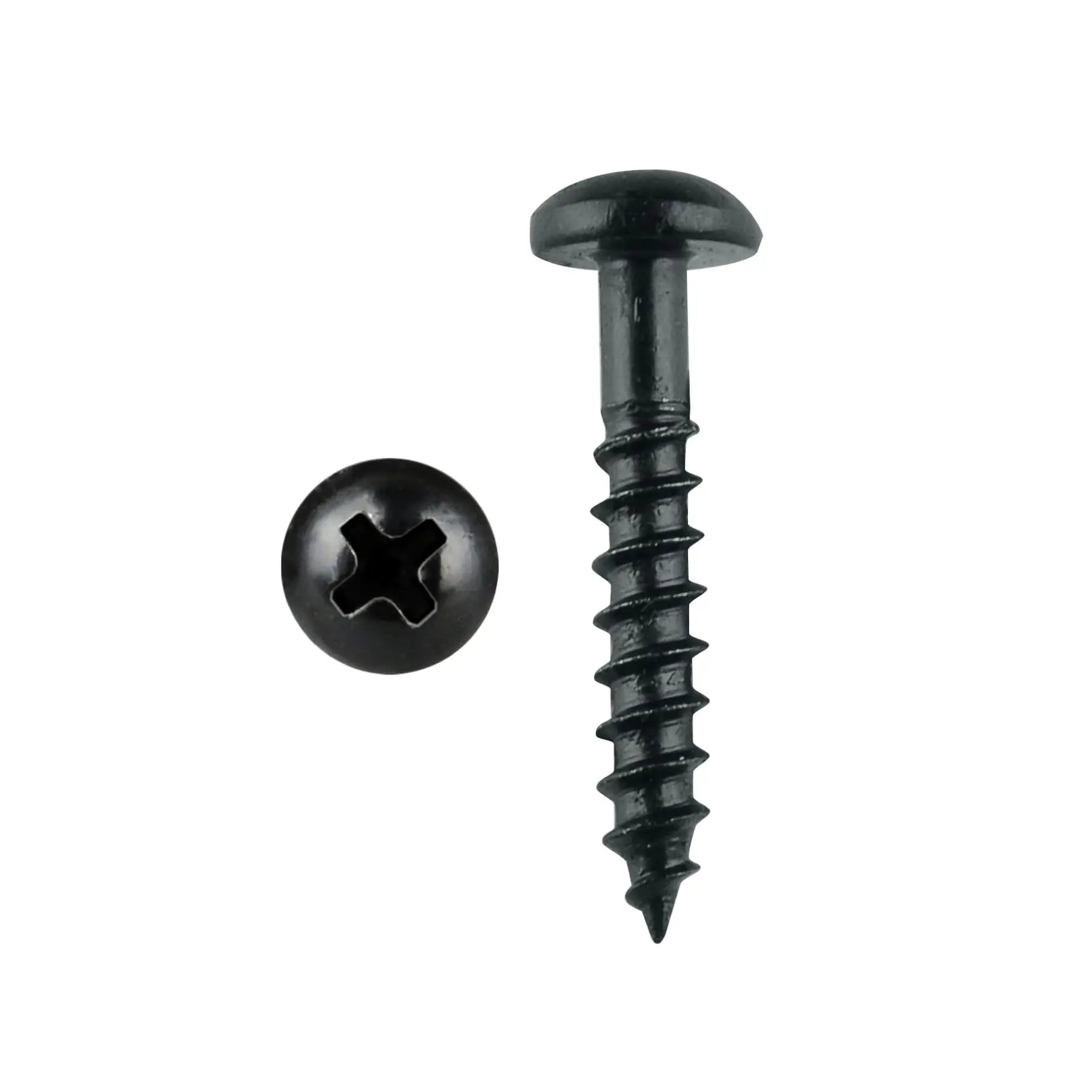

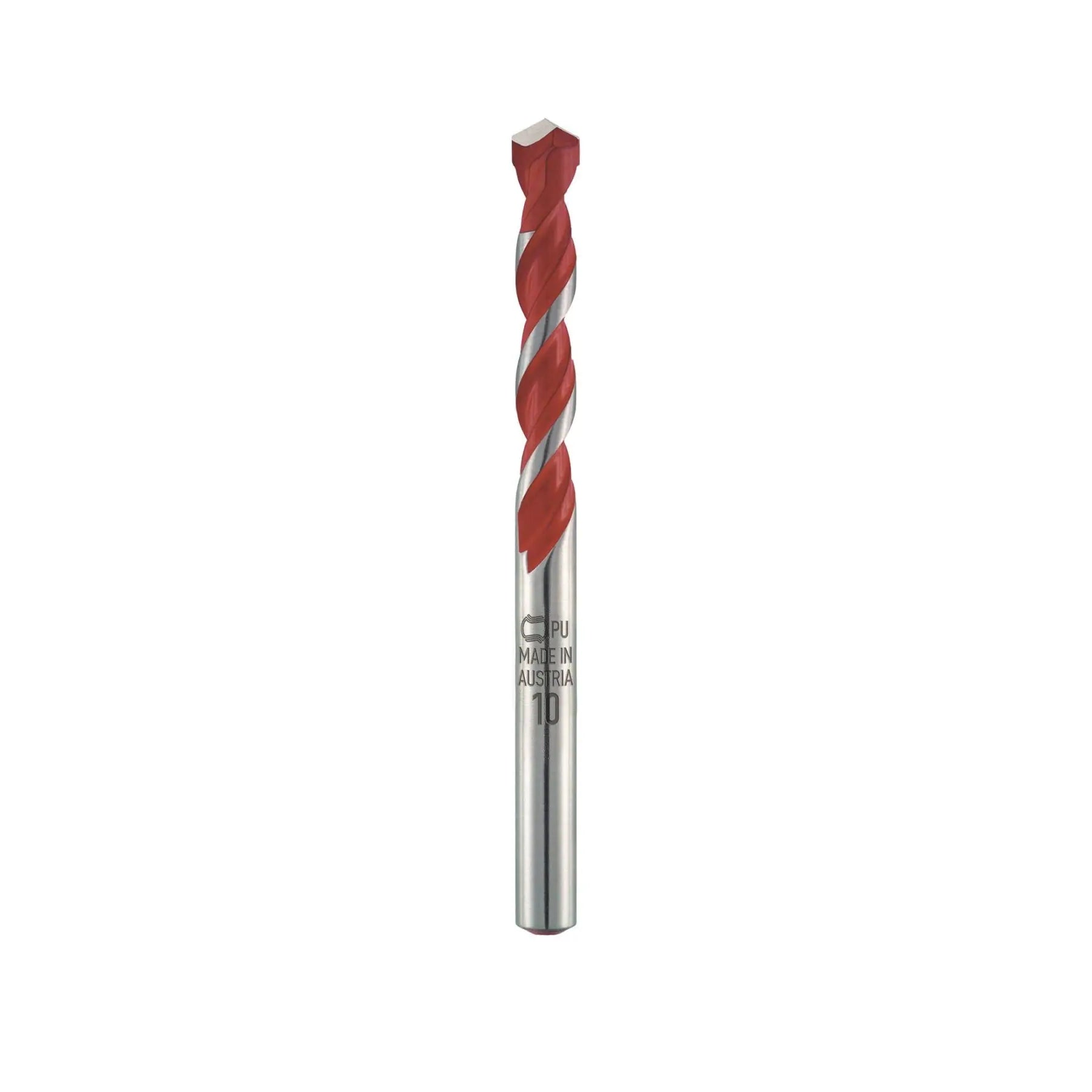

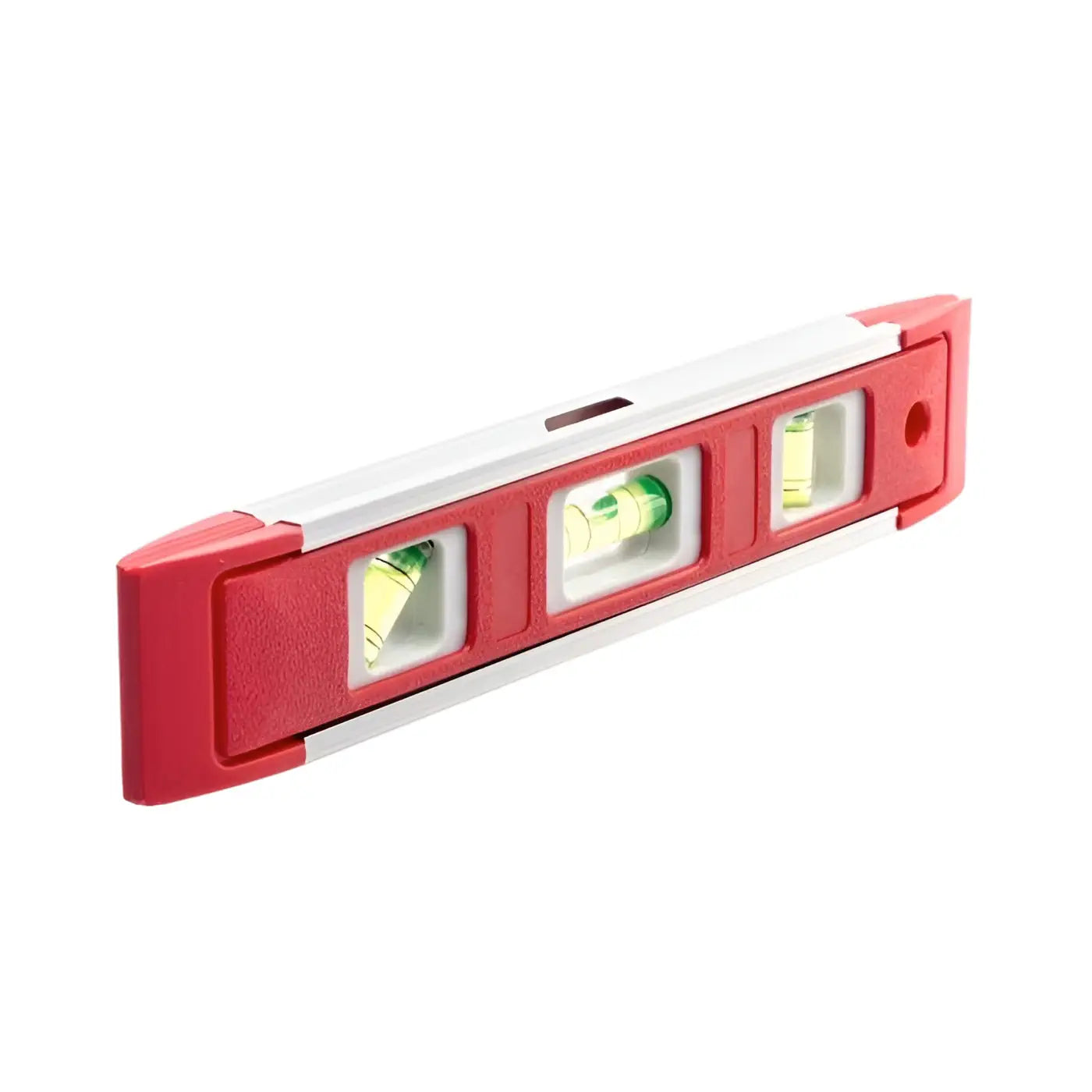
Section 1 of 2
Installing the Light
Before installation, switch the solar light on. Once activated, it will reach its maximum brightness after 3–5 days of outdoor exposure.

Step 1
Prepare the Wall Bracket
- Hold the wall bracket against the wall
- Use a pencil to mark the screw holes
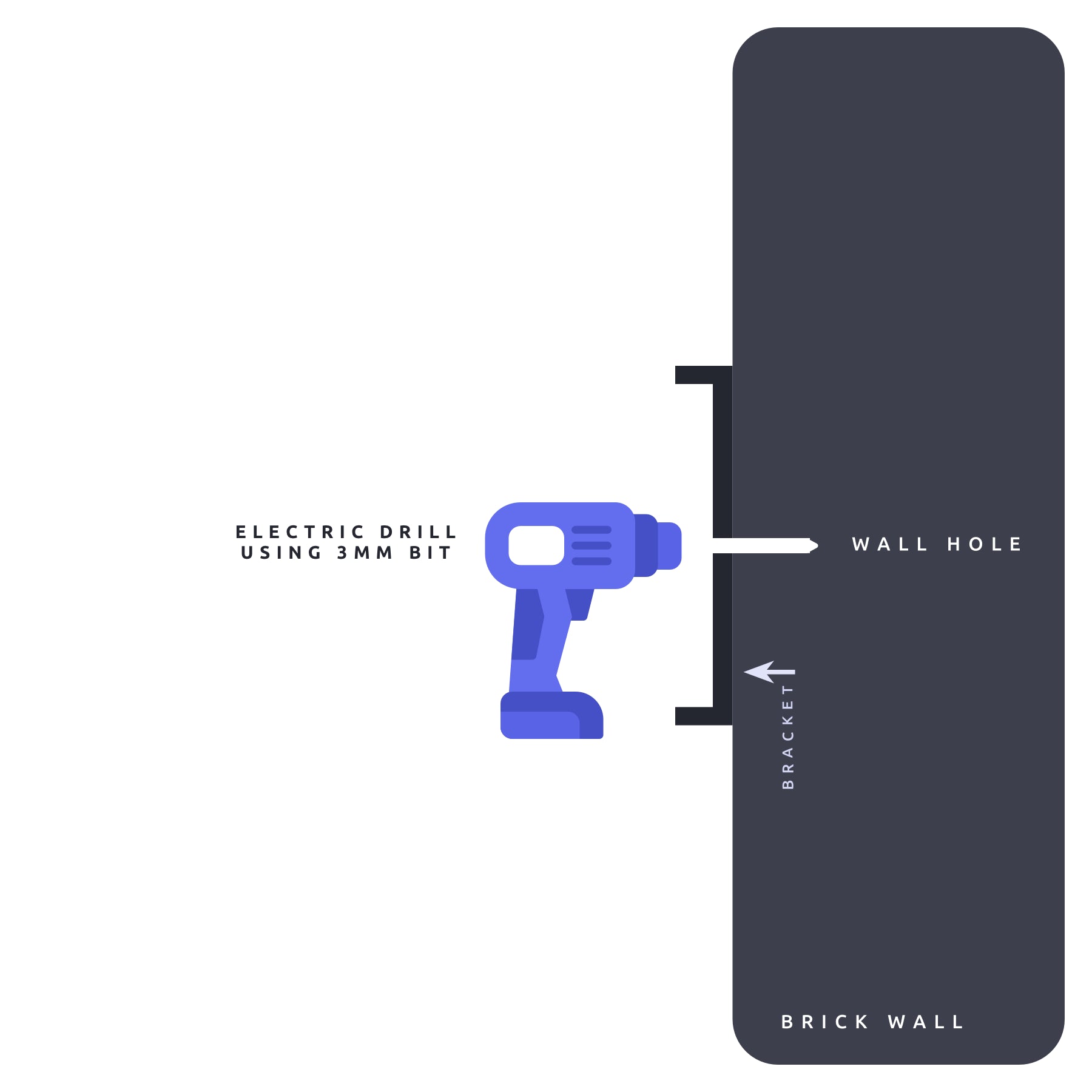
Step 2
Install the Wall Bracket
- Drill the holes
- Insert wall plugs
- Screw the bracket firmly into place
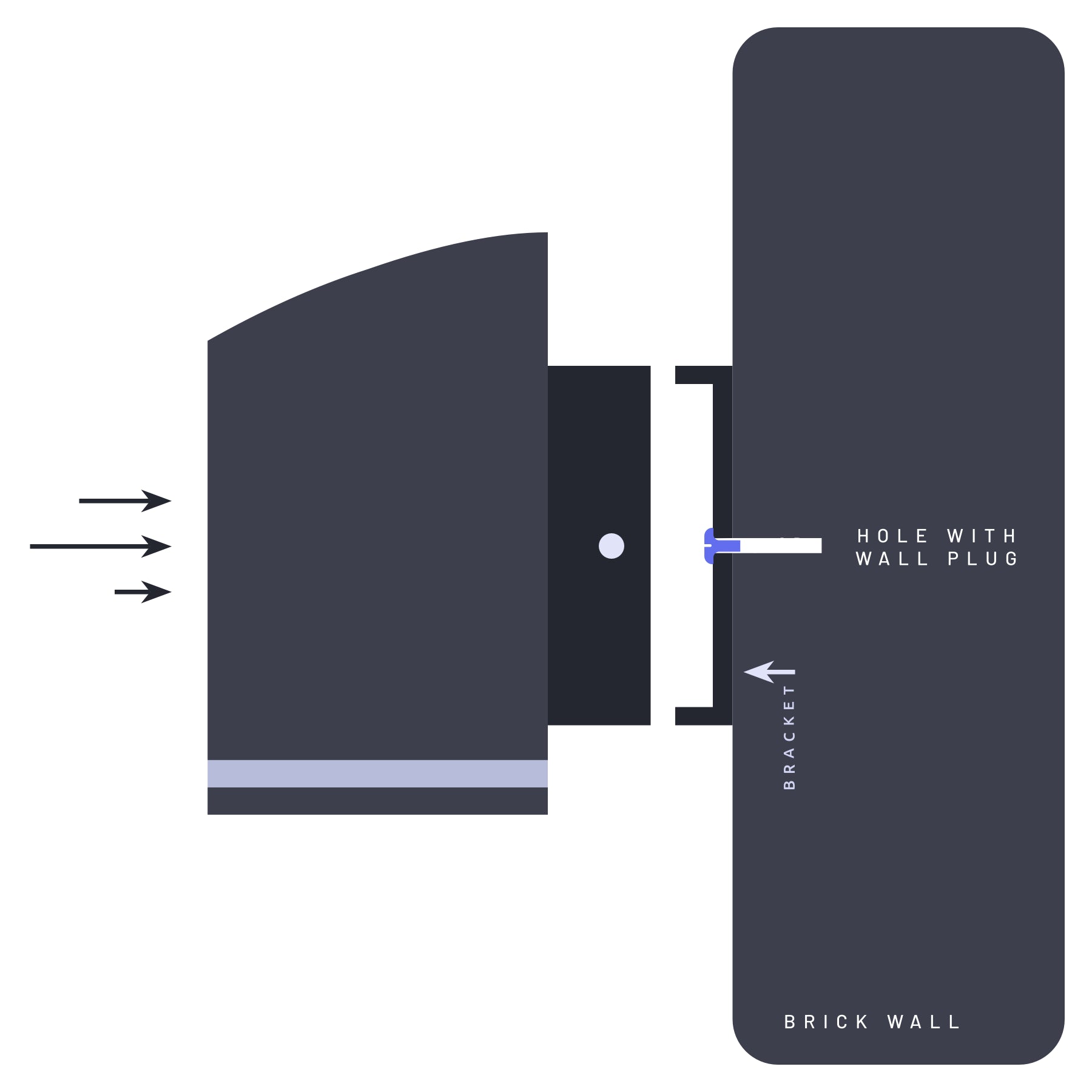
Step 3
Attach the Light Body
- Slide the light onto the wall bracket

Step 4
Secure in Place
- Use the 2 small fixing nut/bolt to secure the light body to the bracket on each side.
Section 2 of 2
Turning the Light On
After installation, keep the solar light switched off for 3-5 days so it can fully charge. Once charged, the light can be turned on. See how the light is turned on by following these steps.
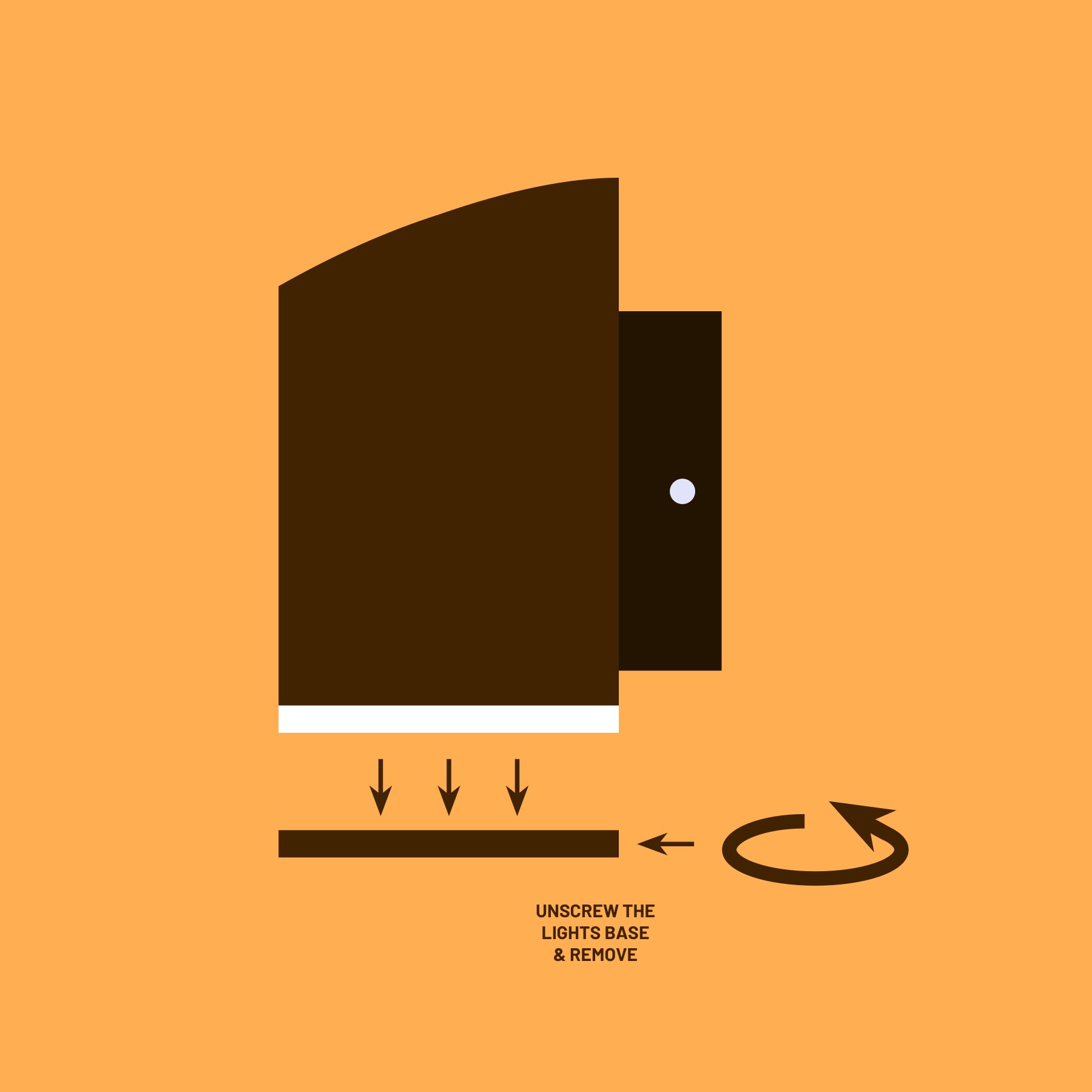
Step 1
Unscrew the Base Cap
- The light doesn't need to be uninstalled from the wall to do this. Twist the base cap anti-clockwise to remove.
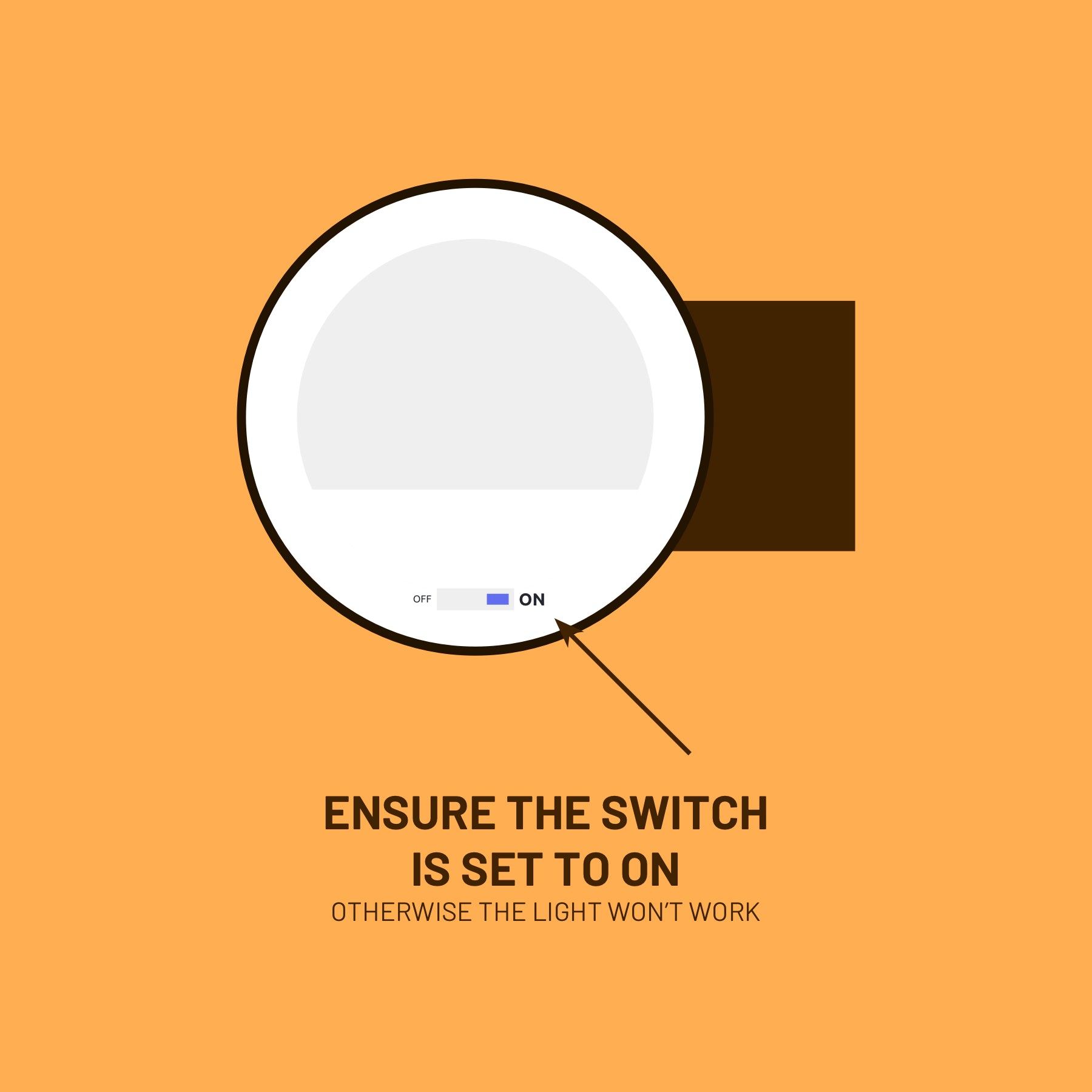
Step 2
Turn the Light On or Off
Inside the base of the light is a switch with 3 modes:
- ON: switches the light on. The light automatically turn on when it's dark and off when it's daytime.
- OFF (middle): this turns the light completely off.
- P or S: labelled differently depending on the model of your light. This toggle is 'Powersaving Mode' and can be enabled in the winter when daylight hours are reduced.
Learning Before Ordering?
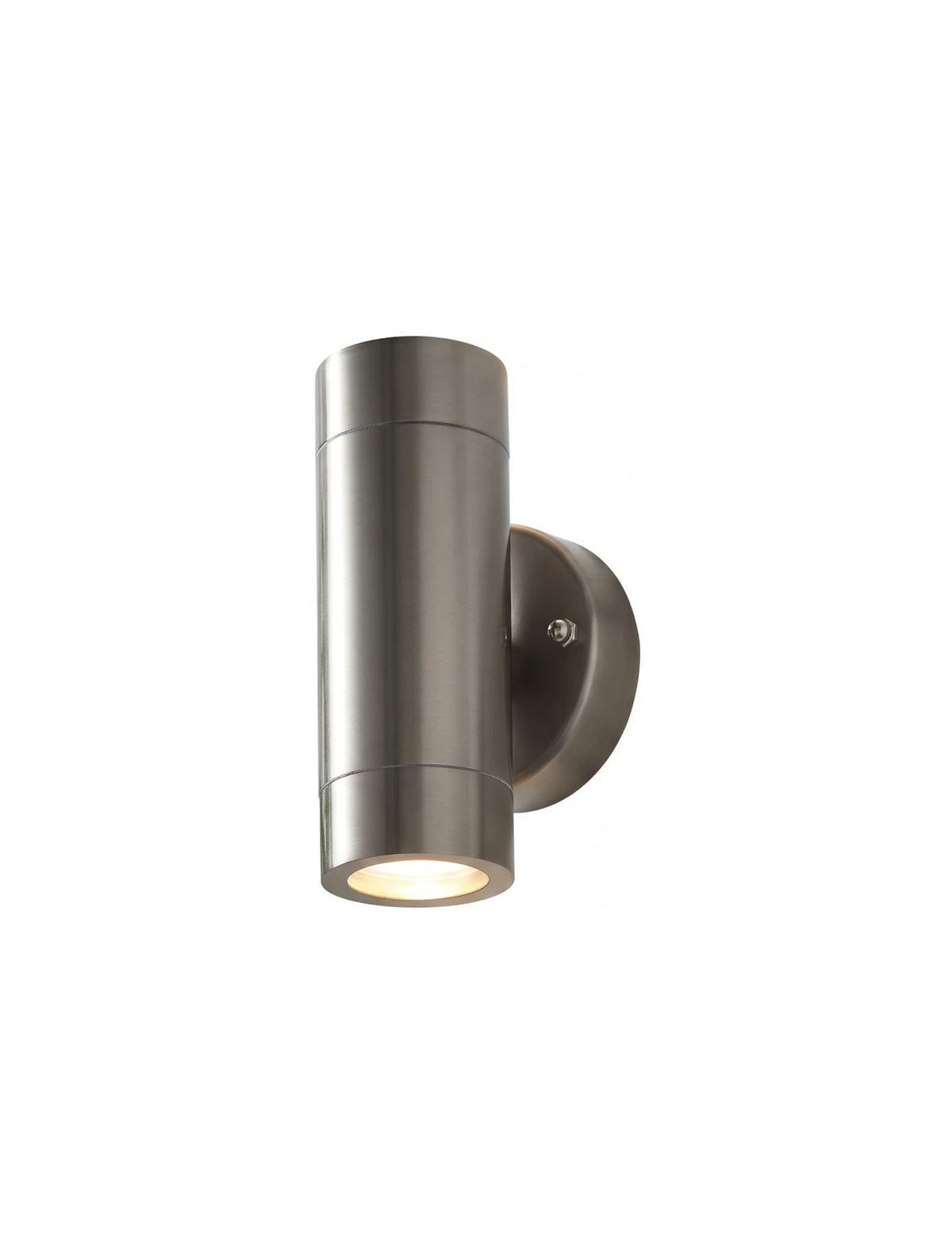
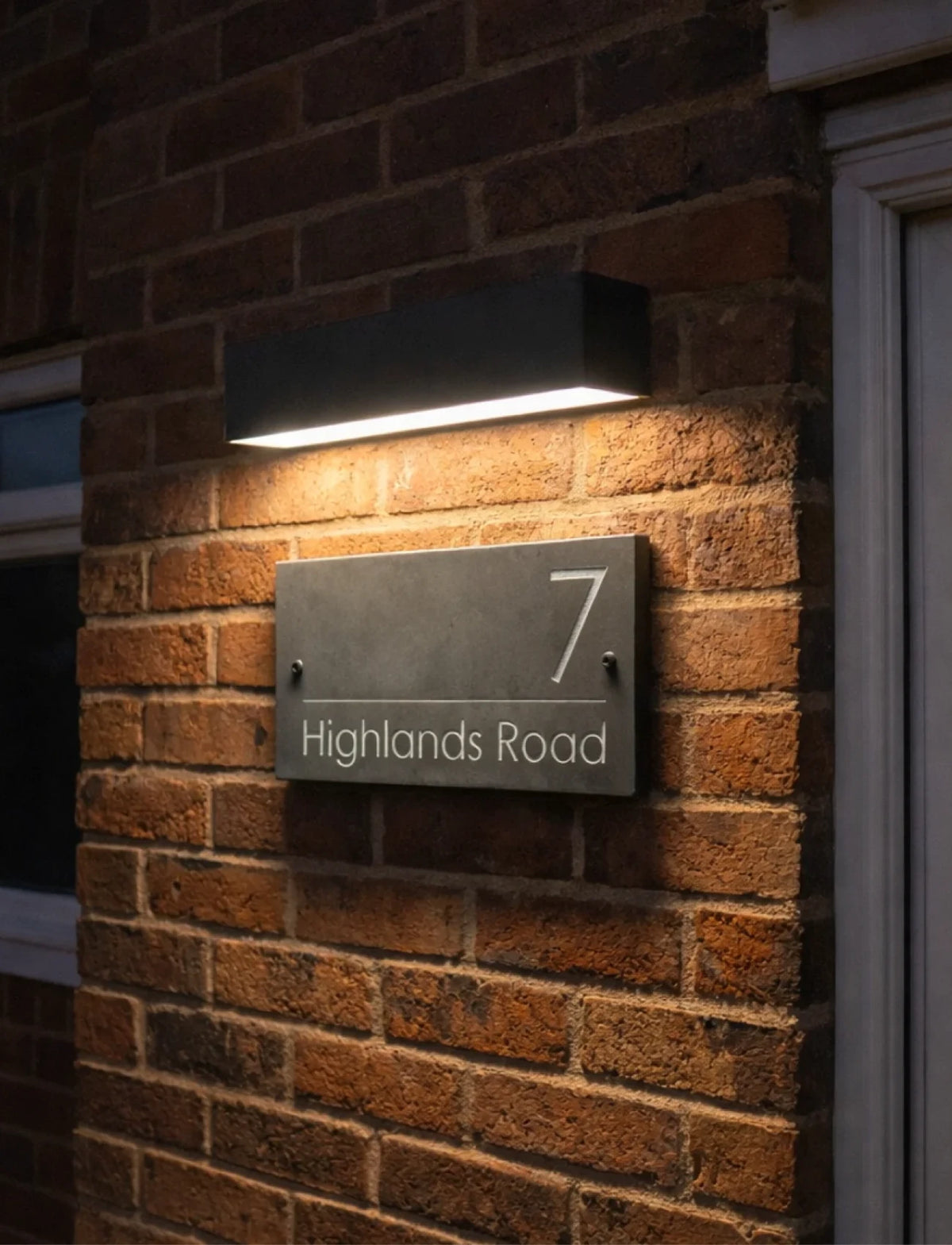
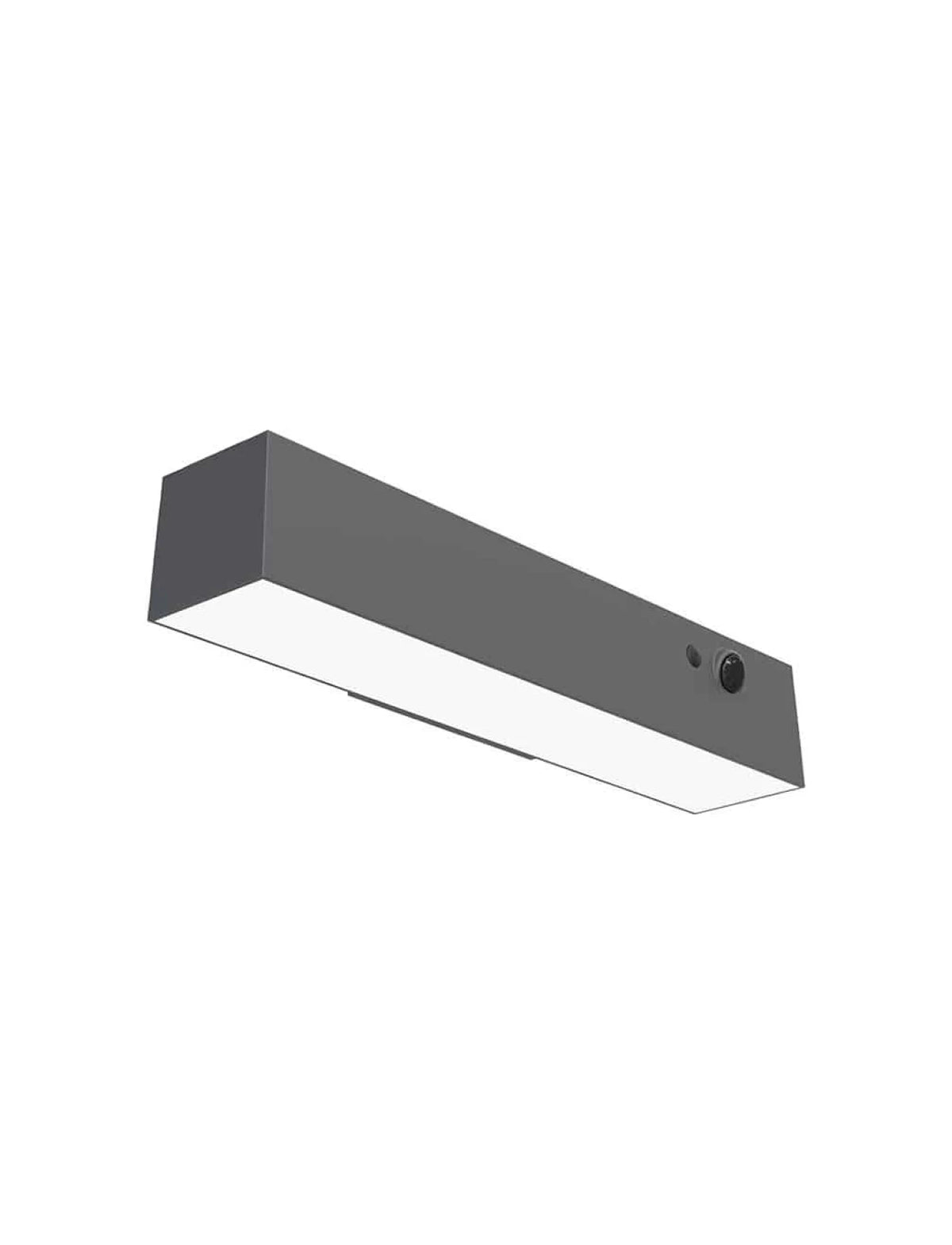
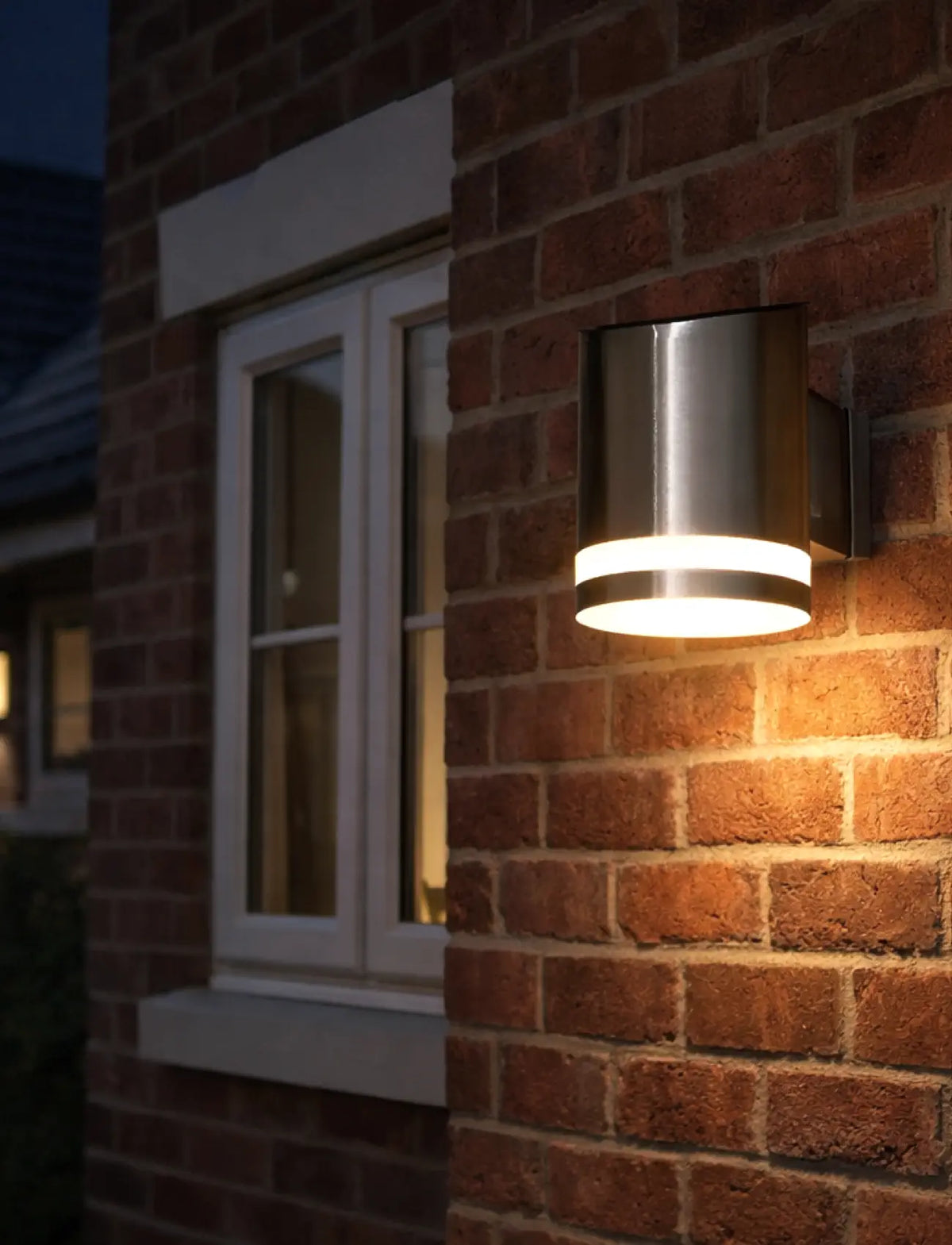
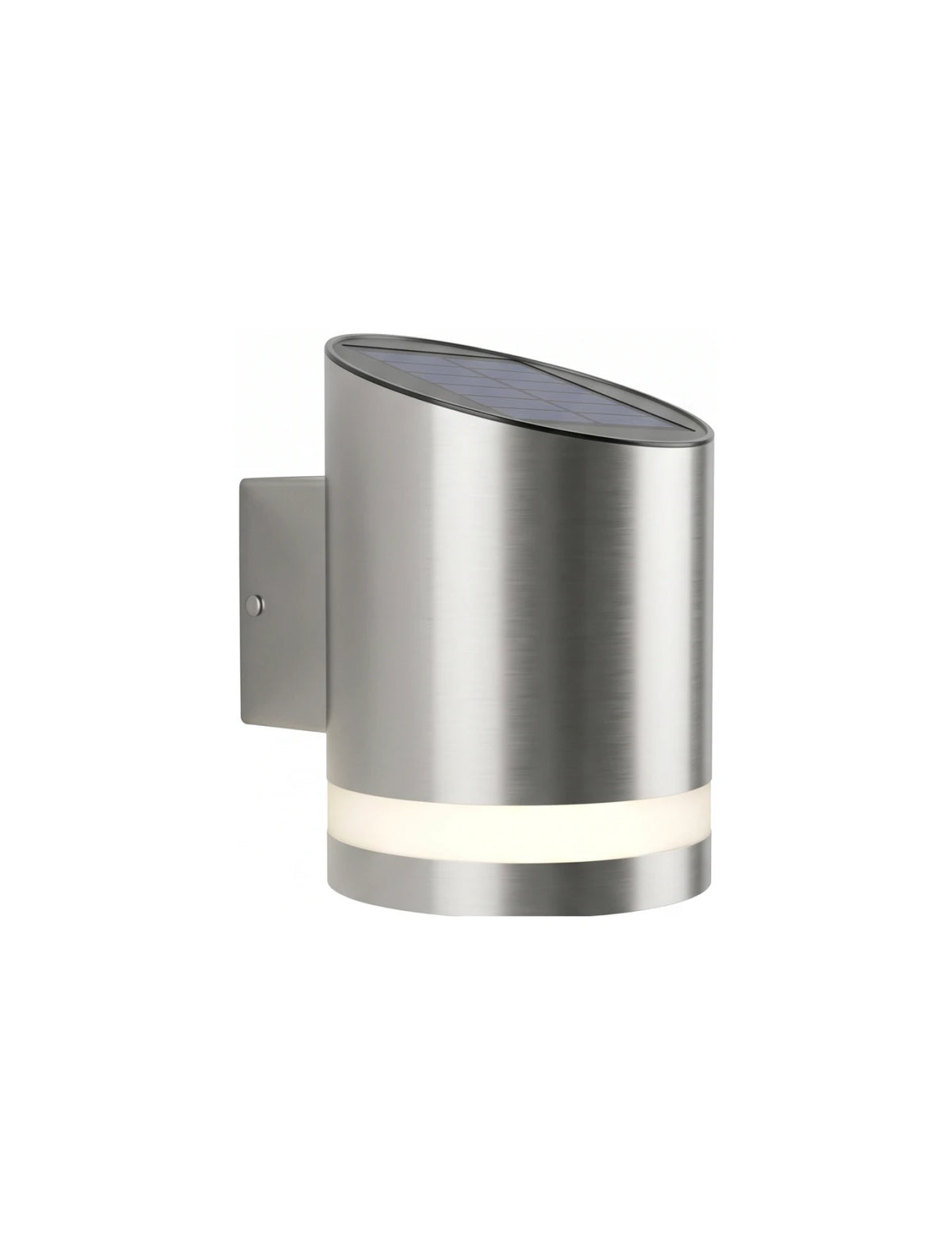
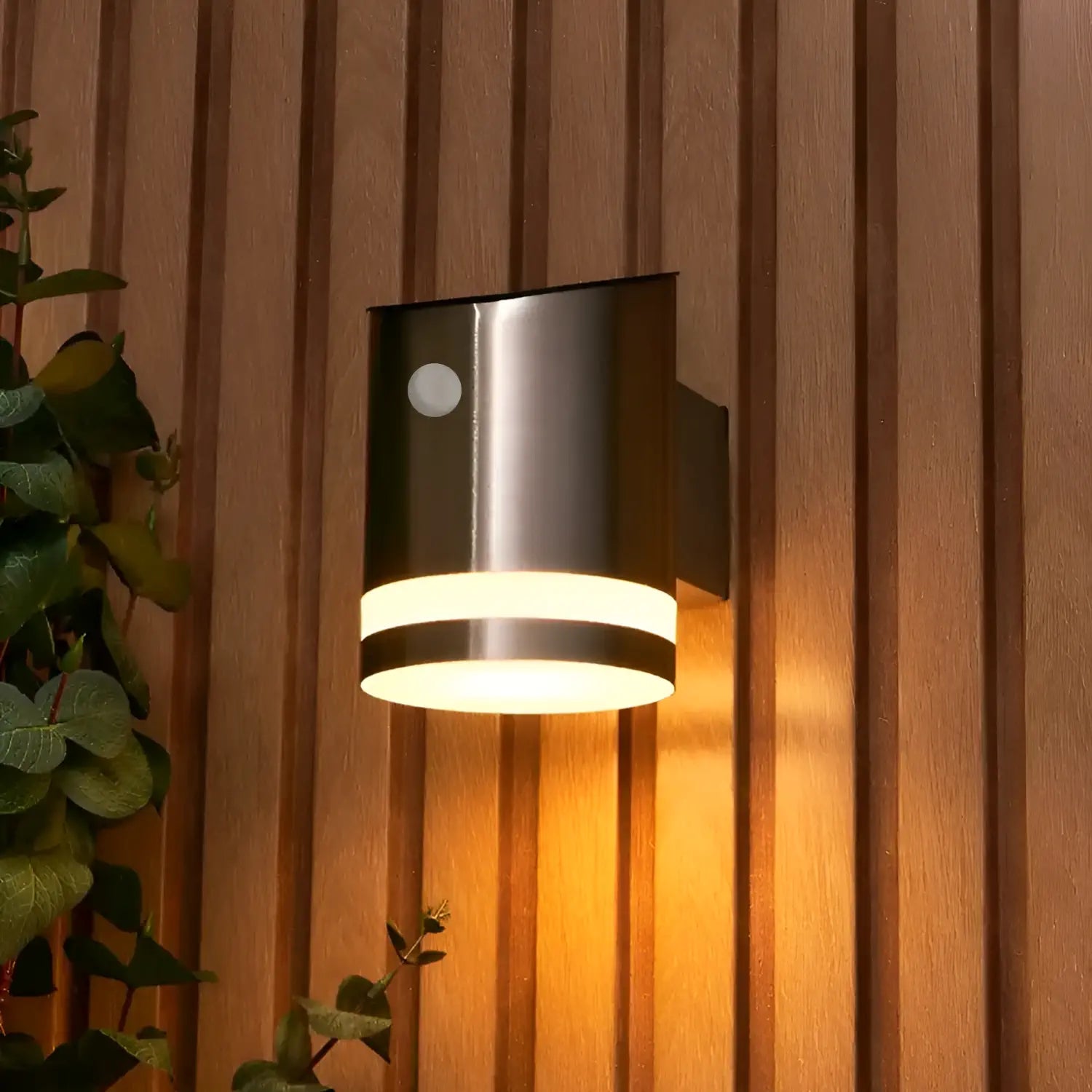
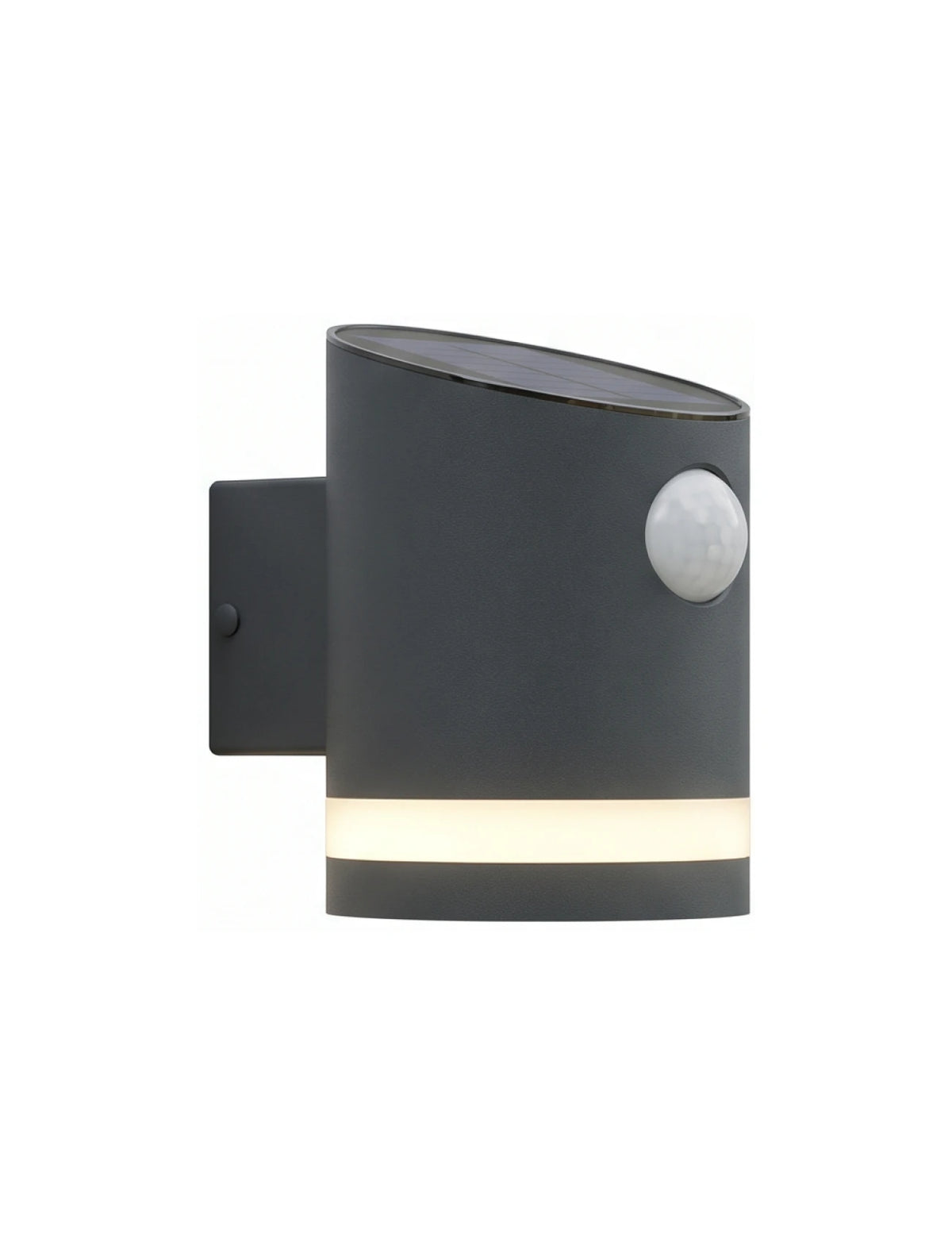
We admire the dedication! Browse all our outdoor lighting below.
Rated 4.80 / 5 (1,010 Reviews)
Our Customers Love Their Signs
And we think you will too!
First time I have used this business, I am pleased with my purchase. My house plaque looks stylish and unique. Good customer service. Experienced no issues. Would recommend.
Judith Geddes-Smith
Excellent communications and a quality product at a good price. Far better than the other companies who couldn’t even be bothered to reply to my messages. Great job everyone at Sign House 👍👍👍
PhilnG
As advertised - quality on two items is consistent.
Bennett
Fabulous quality and extremely fast turnaround. Very smart and feels weighty and substantial. Very impressed.
Jeremy Ward
Every thing was made very easy from choosing the materials, the size etc. You got a view of what your sign would look like and it appeared on time and looks great. Would definitely recommend this company.
Mr Marc Blackmore
First time I have used this business, I am pleased with my purchase. My house plaque looks stylish and unique. Good customer service. Experienced no issues. Would recommend.
Judith Geddes-Smith
Excellent communications and a quality product at a good price. Far better than the other companies who couldn’t even be bothered to reply to my messages. Great job everyone at Sign House 👍👍👍
PhilnG
As advertised - quality on two items is consistent.
Bennett
Fabulous quality and extremely fast turnaround. Very smart and feels weighty and substantial. Very impressed.
Jeremy Ward
Every thing was made very easy from choosing the materials, the size etc. You got a view of what your sign would look like and it appeared on time and looks great. Would definitely recommend this company.
Mr Marc Blackmore
First time I have used this business, I am pleased with my purchase. My house plaque looks stylish and unique. Good customer service. Experienced no issues. Would recommend.
Judith Geddes-Smith
Excellent communications and a quality product at a good price. Far better than the other companies who couldn’t even be bothered to reply to my messages. Great job everyone at Sign House 👍👍👍
PhilnG
As advertised - quality on two items is consistent.
Bennett
Fabulous quality and extremely fast turnaround. Very smart and feels weighty and substantial. Very impressed.
Jeremy Ward
Every thing was made very easy from choosing the materials, the size etc. You got a view of what your sign would look like and it appeared on time and looks great. Would definitely recommend this company.
Mr Marc Blackmore
First time I have used this business, I am pleased with my purchase. My house plaque looks stylish and unique. Good customer service. Experienced no issues. Would recommend.
Judith Geddes-Smith
Excellent communications and a quality product at a good price. Far better than the other companies who couldn’t even be bothered to reply to my messages. Great job everyone at Sign House 👍👍👍
PhilnG
As advertised - quality on two items is consistent.
Bennett
Fabulous quality and extremely fast turnaround. Very smart and feels weighty and substantial. Very impressed.
Jeremy Ward
Every thing was made very easy from choosing the materials, the size etc. You got a view of what your sign would look like and it appeared on time and looks great. Would definitely recommend this company.
Mr Marc Blackmore
First time I have used this business, I am pleased with my purchase. My house plaque looks stylish and unique. Good customer service. Experienced no issues. Would recommend.
Judith Geddes-Smith
Excellent communications and a quality product at a good price. Far better than the other companies who couldn’t even be bothered to reply to my messages. Great job everyone at Sign House 👍👍👍
PhilnG
As advertised - quality on two items is consistent.
Bennett
Fabulous quality and extremely fast turnaround. Very smart and feels weighty and substantial. Very impressed.
Jeremy Ward
Every thing was made very easy from choosing the materials, the size etc. You got a view of what your sign would look like and it appeared on time and looks great. Would definitely recommend this company.
Mr Marc Blackmore
First time I have used this business, I am pleased with my purchase. My house plaque looks stylish and unique. Good customer service. Experienced no issues. Would recommend.
Judith Geddes-Smith
Excellent communications and a quality product at a good price. Far better than the other companies who couldn’t even be bothered to reply to my messages. Great job everyone at Sign House 👍👍👍
PhilnG
As advertised - quality on two items is consistent.
Bennett
Fabulous quality and extremely fast turnaround. Very smart and feels weighty and substantial. Very impressed.
Jeremy Ward
Every thing was made very easy from choosing the materials, the size etc. You got a view of what your sign would look like and it appeared on time and looks great. Would definitely recommend this company.
Mr Marc Blackmore
First time I have used this business, I am pleased with my purchase. My house plaque looks stylish and unique. Good customer service. Experienced no issues. Would recommend.
Judith Geddes-Smith
Excellent communications and a quality product at a good price. Far better than the other companies who couldn’t even be bothered to reply to my messages. Great job everyone at Sign House 👍👍👍
PhilnG
As advertised - quality on two items is consistent.
Bennett
Fabulous quality and extremely fast turnaround. Very smart and feels weighty and substantial. Very impressed.
Jeremy Ward
Every thing was made very easy from choosing the materials, the size etc. You got a view of what your sign would look like and it appeared on time and looks great. Would definitely recommend this company.
Mr Marc Blackmore
First time I have used this business, I am pleased with my purchase. My house plaque looks stylish and unique. Good customer service. Experienced no issues. Would recommend.
Judith Geddes-Smith
Excellent communications and a quality product at a good price. Far better than the other companies who couldn’t even be bothered to reply to my messages. Great job everyone at Sign House 👍👍👍
PhilnG
As advertised - quality on two items is consistent.
Bennett
Fabulous quality and extremely fast turnaround. Very smart and feels weighty and substantial. Very impressed.
Jeremy Ward
Every thing was made very easy from choosing the materials, the size etc. You got a view of what your sign would look like and it appeared on time and looks great. Would definitely recommend this company.
Mr Marc Blackmore
First time I have used this business, I am pleased with my purchase. My house plaque looks stylish and unique. Good customer service. Experienced no issues. Would recommend.
Judith Geddes-Smith
Excellent communications and a quality product at a good price. Far better than the other companies who couldn’t even be bothered to reply to my messages. Great job everyone at Sign House 👍👍👍
PhilnG
As advertised - quality on two items is consistent.
Bennett
Fabulous quality and extremely fast turnaround. Very smart and feels weighty and substantial. Very impressed.
Jeremy Ward
Every thing was made very easy from choosing the materials, the size etc. You got a view of what your sign would look like and it appeared on time and looks great. Would definitely recommend this company.
Mr Marc Blackmore
First time I have used this business, I am pleased with my purchase. My house plaque looks stylish and unique. Good customer service. Experienced no issues. Would recommend.
Judith Geddes-Smith
Excellent communications and a quality product at a good price. Far better than the other companies who couldn’t even be bothered to reply to my messages. Great job everyone at Sign House 👍👍👍
PhilnG
As advertised - quality on two items is consistent.
Bennett
Fabulous quality and extremely fast turnaround. Very smart and feels weighty and substantial. Very impressed.
Jeremy Ward
Every thing was made very easy from choosing the materials, the size etc. You got a view of what your sign would look like and it appeared on time and looks great. Would definitely recommend this company.
Mr Marc Blackmore
© 2026, The Bespoke Sign House • Company Registration Number: 13419466 (Registered in England and Wales) • VAT Registration Number: GB422044935
Trading Address: Friezingham Farmyard, Rolvenden Layne, Cranbrook, Kent, TN17 4PU